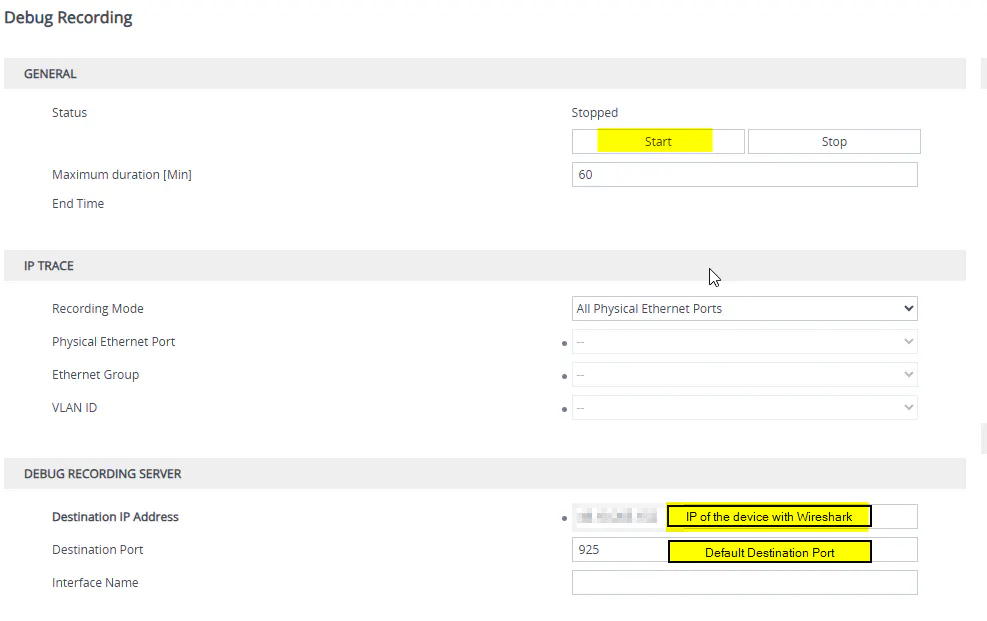
Prepare AudioCodes
Prepare Network
You need to prepare the network path from the SBC to your machine running Wireshark.
This includes Firewalls, NATs, Port Forwarding, so that traffic from your SBC with destination port 925 is routed correctly to the Wireshark device.
Complete guide on ports for Teams, including Wireshark and Syslogs can be found here.
Prepare Wireshark
Make sure you choose the correct network interface. Otherwise your Wireshark will listen to non-relevant network adapters.
Start Wireshark and apply filters if needed.
Filter Options:
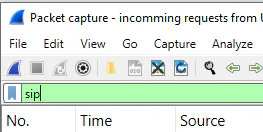
SIP => Will filter traffic with SIP Protocol - a generally good filter. It might show you more than you need, but you can filter more on later stage.
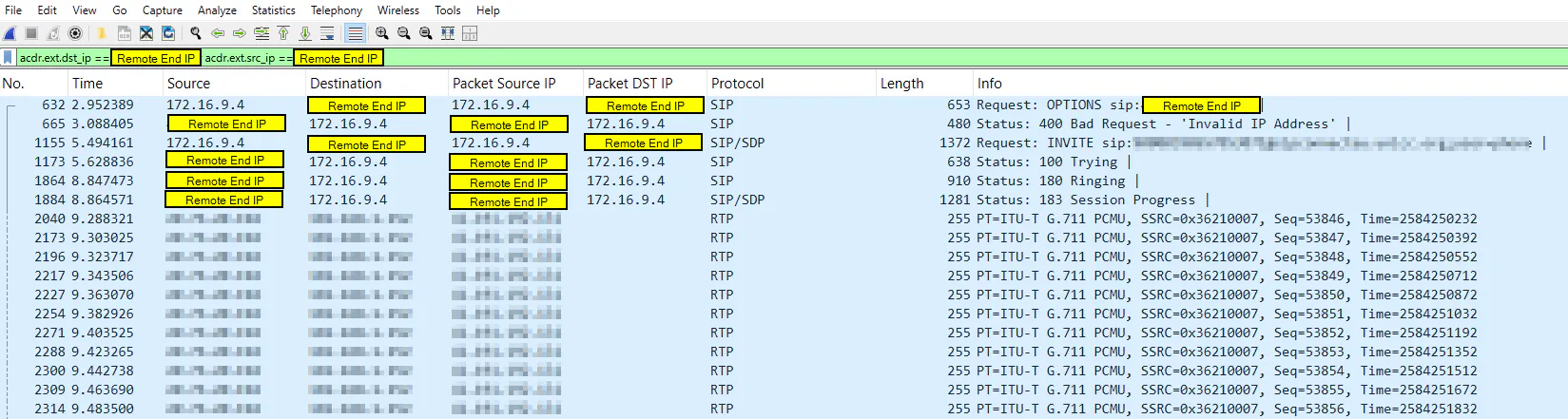
acdr.ext.dst_ip == <Remote End IP> or acdr.ext.src_ip == <Remote End IP> => Will filter traffic based on the destination and source IPs in the SIP traffic. It will show a more precise callflow.